Remember to unpack. And when the warranty ends.
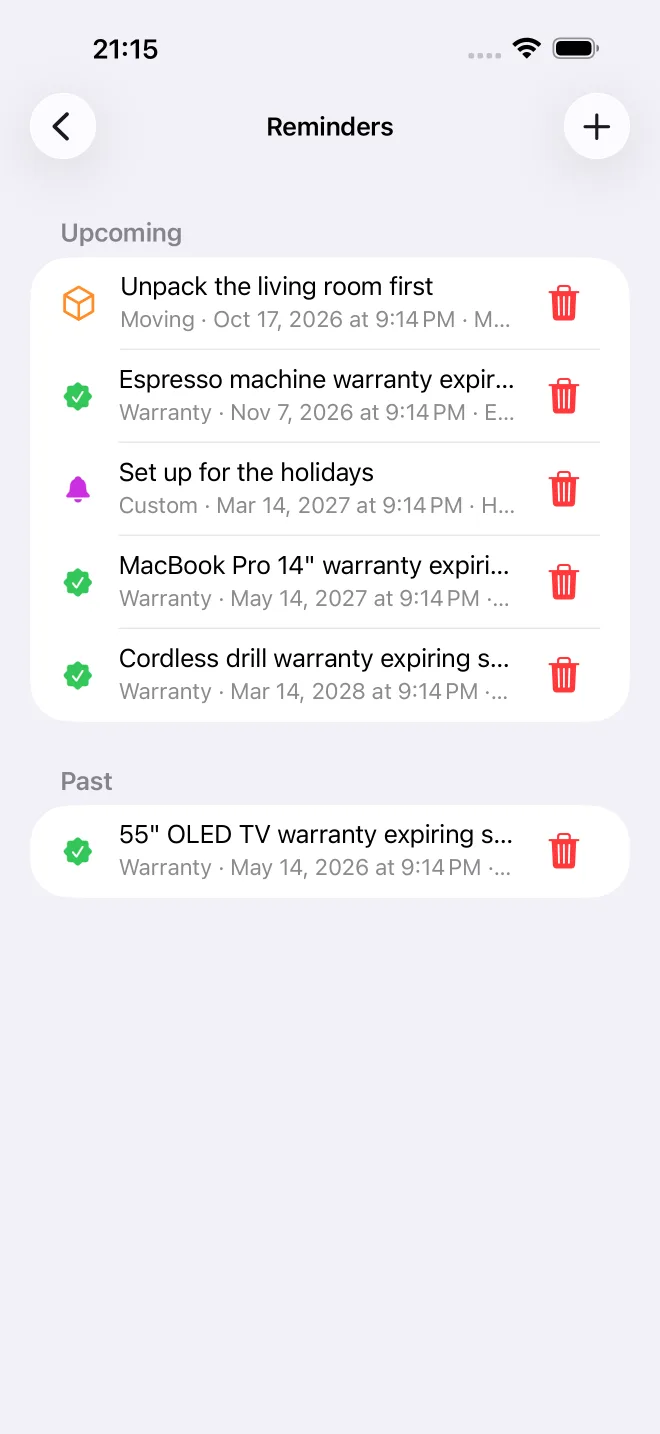
Set a reminder on any box or item. Warranty dates get their own, so the espresso machine is still covered when it breaks.
Number your storage boxes, add what's inside, and find any item in seconds. For the garage, the attic, the basement and every moving box.
Holiday lights in the attic. Camping gear in the garage. Baby clothes in the basement, somewhere. And the one thing you need is in none of the boxes you just opened.
SmartBox gives every box a number and a list of what's inside, so you open the right box the first time.
Your boxes
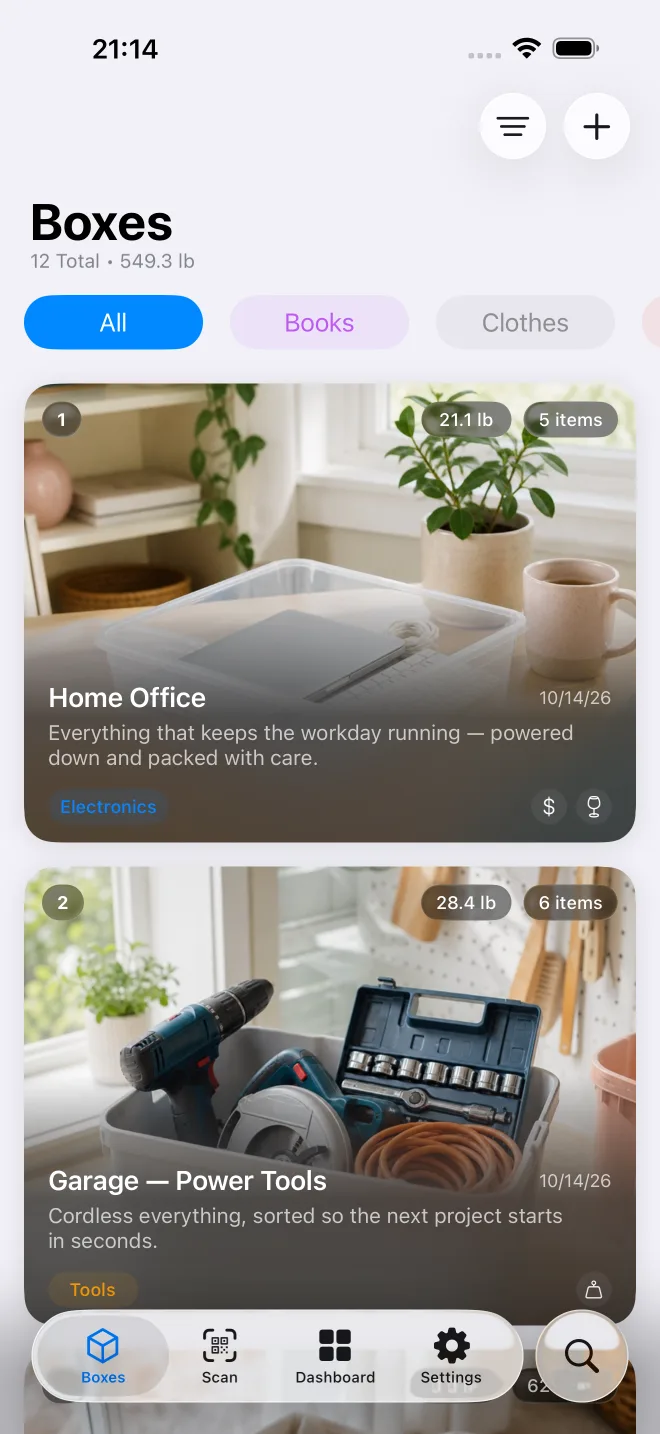
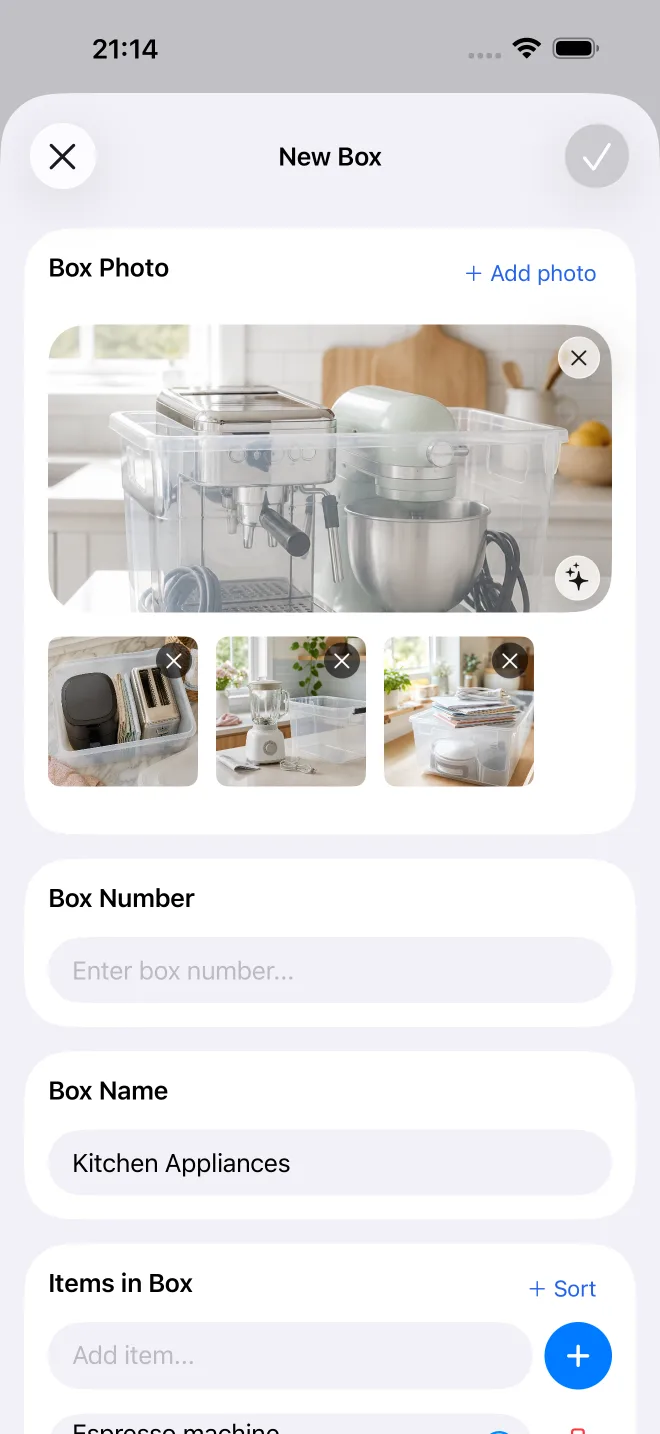
Create a box in seconds. Give it a number, snap a photo and list what goes in. Any box, bin or container counts.
Write the number on the lid. Everything else lives in the app: name, items, photo, weight and where you keep it.
See what's inside before you lift the lid, and keep a photo of each item for the things that matter.
Photograph an open box and SmartBox suggests a name, a list of what it sees and matching tags. It only fills in fields you left empty.
Holiday, Tools, Winter clothes, Garage. Filter your boxes by what they hold or where they live.
Search
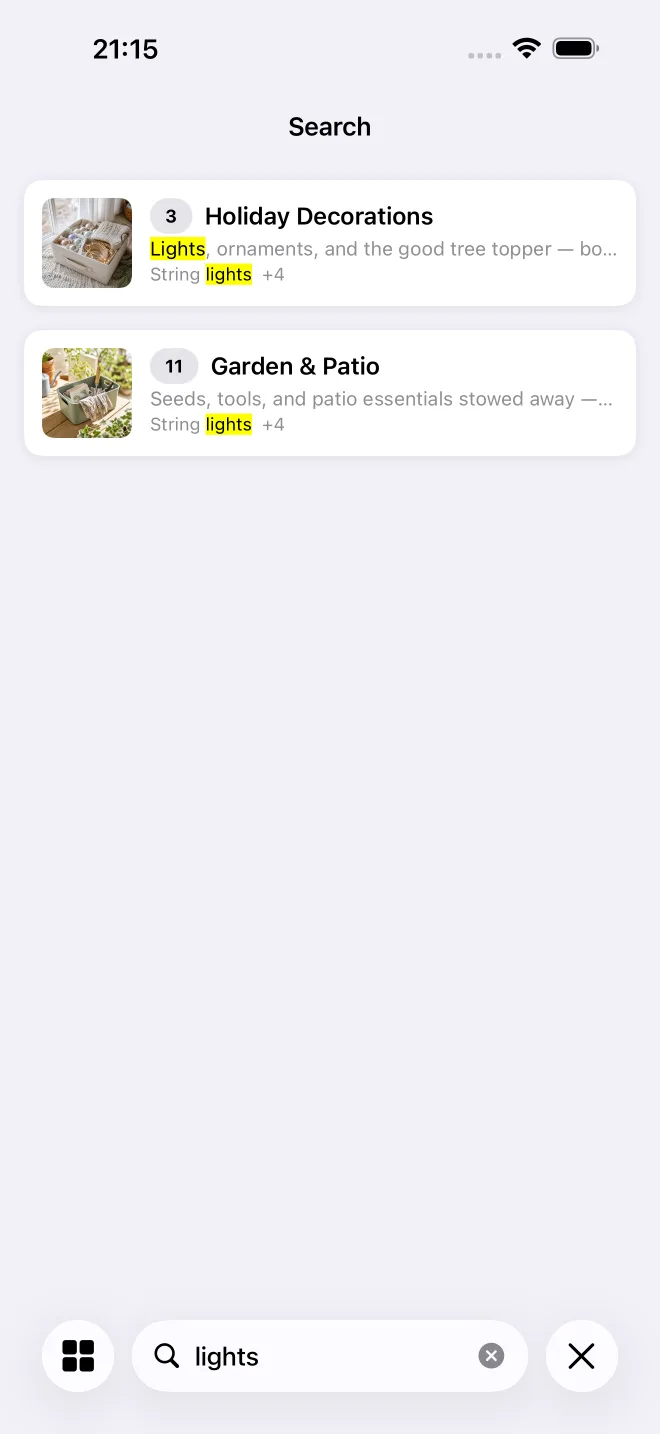
Search every box, item and tag at once. Partial words match, and the result tells you the box number and where it is.
Results update with every letter, so "war" is enough to find the winter wardrobe.
Every box shows its contents and photos, so you can check before you go out to the garage.
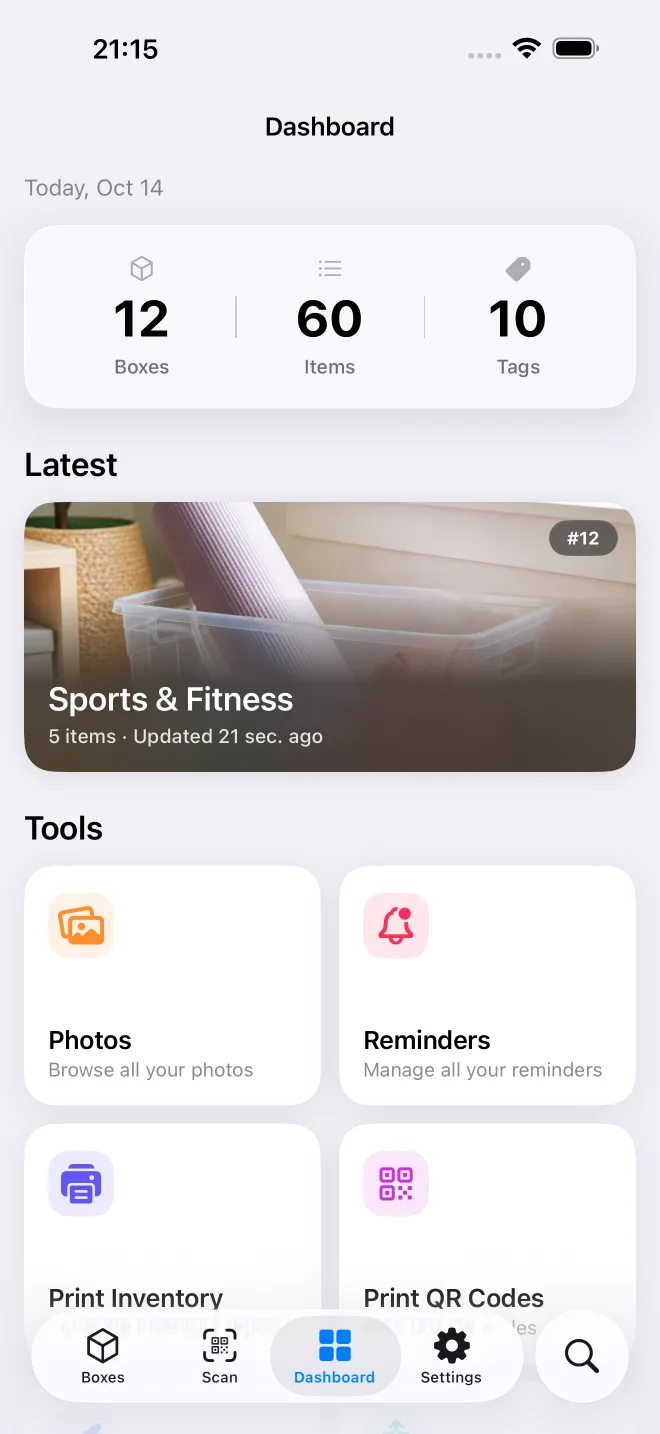
How many boxes, items and tags you have, what you added last, and quick tools for printing and export.
QR codes, barcodes and NFC
Print a QR label for each box, or link the barcode that's already on it. Point your iPhone at it and the contents appear, without unstacking anything.
Design labels with the number, the name, the QR code or all three, and print a sheet for every box.
A shipping label, a retail barcode or a warehouse code can be linked to a box. Scan it once to assign it.
Stick a tag on the box and hold your iPhone to it. No scanning, no searching.
A public QR code shows the contents to anyone who scans it, even without the app. A private one opens only for you and the people you share your home with.
New · Home sharing
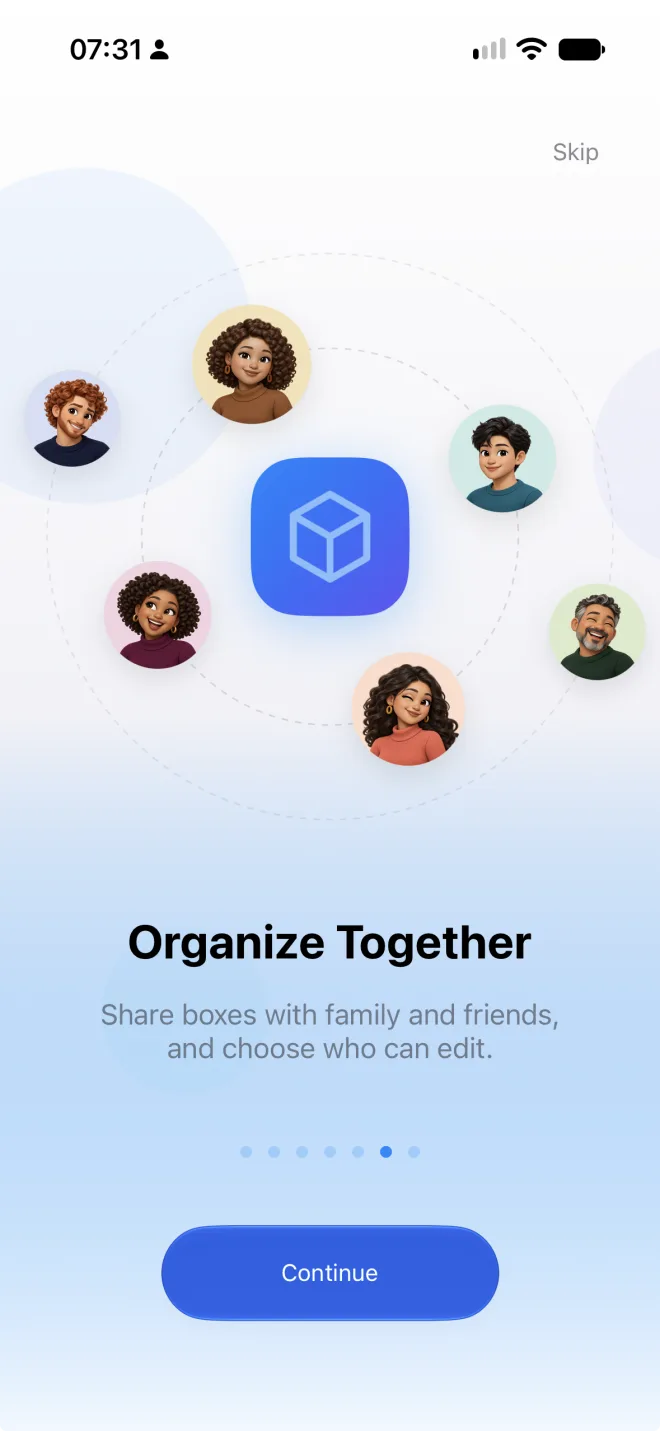
Share your home with your partner, the kids or your roommates. Everyone sees the same boxes, and when someone packs one, moves one or takes something out, the list updates for everybody.
Send an invite through Messages, Mail or a link. They tap it and your boxes show up on their iPhone. No accounts, no passwords.
Choose for each person. A partner can pack and unpack, while someone who only needs to find things can look without changing anything.
Already using SmartBox? When you join a home, move your boxes into it or start fresh. A backup of your own boxes is saved first.
Your inventory goes only to the people you invite, and you can stop sharing at any time.
And the rest
Reminders, printed lists, exports and sync. The small things that make a storage system hold up for years.
Set a reminder on any box or item. Warranty dates get their own, so the espresso machine is still covered when it breaks.
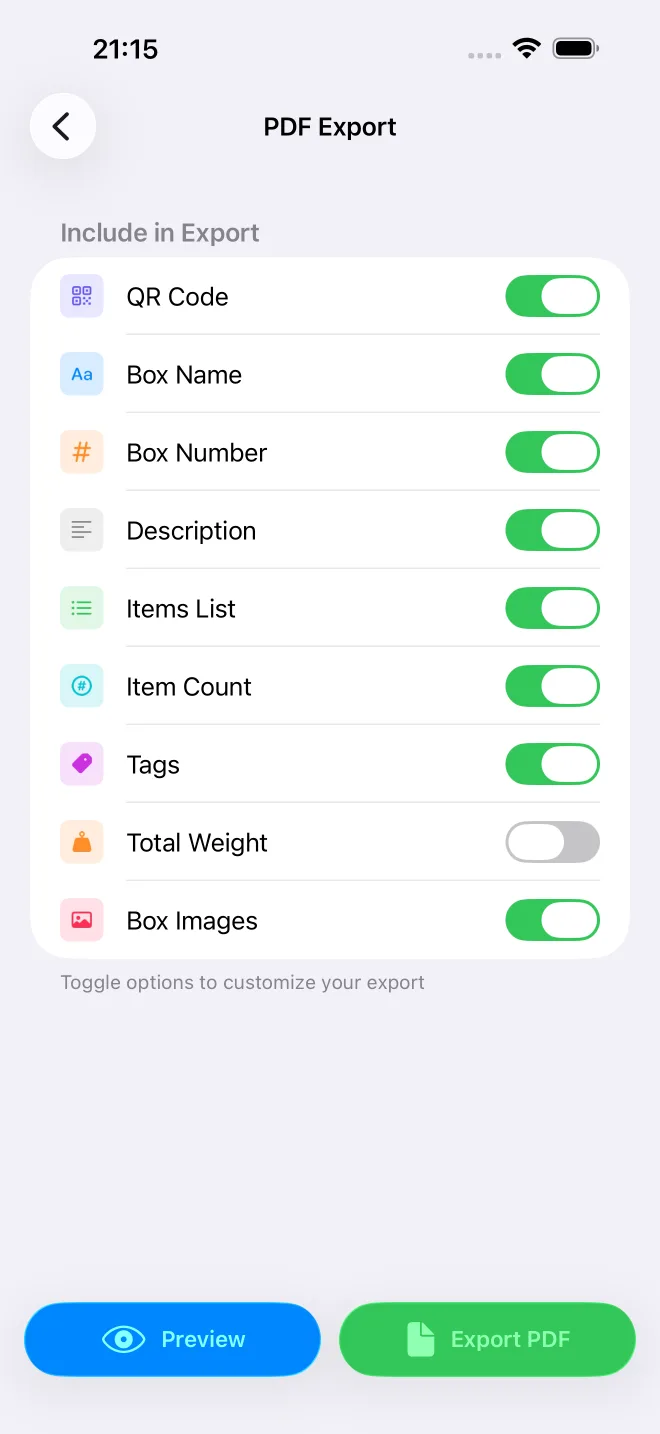
A PDF of every box and its contents, or a CSV that opens in Numbers or Excel. Unlimited adds a full backup you can restore anywhere.
Start from one of eight templates or drag your own together. Number only, or number, name, tags and QR code.
Share one box as a public QR code or a PDF, so family, movers or an insurer see exactly what's in it.
Add a weight to each item and every box adds it up. Useful when the moving van has a limit, or your back does.
Add a box on one, find it on the others. Sync runs through your own iCloud account, nothing to set up.
No signal, no problem. Adding, searching, scanning and printing all work offline, and your changes sync when you're back upstairs.
Tag each box with the place it lives in as well as what it holds, so the search result tells you where to walk to.
Search your boxes from Spotlight, keep a widget on the Home Screen, or ask Siri. Control Center buttons are there too.
No account, no tracking and no server of ours holding your inventory. It lives on your device and in your own iCloud, where not even we can see it.
Nothing to sign up for. SmartBox uses the iCloud account already on your iPhone.
No analytics, no ad networks and no third-party code watching what you store.
Photos and inventory sync through Apple's iCloud, protected by your Apple Account.
Every plan can export the full inventory as a PDF or CSV. Your data is never locked in.
Yes, with limits. The free plan holds 3 boxes with one photo each, enough to see whether the app suits you. Limited raises that to 10 boxes with unlimited photos, and Unlimited removes the box limit entirely. See pricing.
No. There is no sign-up, no email address and no password. Download the app and start adding boxes. Your inventory syncs through the iCloud account you are already signed into.
Yes. You can share your whole home with family or roommates over iCloud. Everyone sees the same boxes, and you choose who can edit and who can only look. How sharing works.
iPhone and iPad with iOS 17.6 or later, and any Mac with Apple silicon. It is one universal app, so a plan you buy covers all your Apple devices on the same Apple Account. There is no Android version and no web app.
No. Labels are optional and the app works fine without them. If you do print them, scanning a label shows the box's contents instantly, without unstacking or opening anything.
SmartBox Organizer is on the App Store for iPhone, iPad and Mac. Free to start.