You just packed a box. You know exactly what's inside — right now. But in three months, when you're standing in the garage trying to find your holiday lights? That memory won't help much.
SmartBox makes it easy to catalog a box in under a minute, tag it so you always know where it belongs, and print a QR code you can stick right on the side. Here's how.
1 Create a New Box
Open SmartBox and tap the + button. That's it — you're in the box creation screen.
Give your box a name (something descriptive like "Winter Jackets" or "Power Tools") and a number. SmartBox automatically suggests the next available number, so you don't have to keep track yourself.
You can also snap a photo of the box or its contents. A quick photo before you seal the box goes a long way — sometimes a picture really is worth a thousand words.
2 Add Items Inside
Tap the items section and start listing what's in the box. You can add each item with a name and quantity — for example, "Screwdriver x2" or "Christmas Ornaments x1."
If you'd rather not type everything out, use the Quick Scan button. Point your camera at the open box and SmartBox's smart photo analysis will identify items and suggest them for you automatically. It's surprisingly fast.
Pro Tip
Add items before you seal the box. It only takes a few seconds per item and saves you from the "what's in this box?" moment months later.
3 Tag Your Box
This is where SmartBox really shines. Tags are flexible labels you can attach to any box — and you can use them however makes sense to you.
The most practical way? Use tags as spaces — the rooms or areas where your boxes are stored. Create tags like:
- Living Room
- Basement
- Garage
- Bedroom
- Storage Unit
Now when you tag a box "Basement," you can later filter all your boxes by that tag and instantly see everything stored down there. No walking around, no guessing.
But tags aren't limited to locations. You can also use them as categories — like "Electronics," "Seasonal," "Documents," or "Fragile." And since you can add multiple tags to a single box, a box can be tagged both "Garage" and "Tools" at the same time.
To create a new tag, just tap Add Tag in the box form, pick a color, and give it a name. Tags are color-coded, so they're easy to spot at a glance. Once created, a tag is available across all your boxes.
Pro Tip
Set up your location tags first — Living Room, Garage, Basement, Office, etc. Then when you create each box, tagging it with a location becomes second nature. You'll always know not just what's in a box, but exactly where it is.
Ready to Get Organized?
Download SmartBox and start tracking your boxes with photos, items, tags, and QR codes. It takes less than a minute per box.

4 Print a QR Code
Once your box is saved, open it and tap the QR Code option from the menu. SmartBox generates a unique QR code for that box instantly.
From there, you can:
- Print it — SmartBox creates a clean, print-ready label with the QR code, box name, and a list of items inside. Stick it on the box and you're done.
- Share it — Send the QR code as an image via AirDrop, Messages, or email. Handy if someone else needs to find something in your storage.
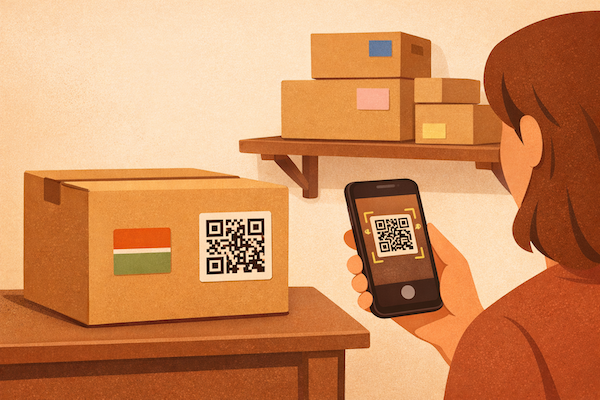
Later, when you need to check what's inside, just scan the QR code with your iPhone camera. SmartBox opens up and shows you the full inventory — items, photos, tags, everything.
How Scanning Works
You don't need to open SmartBox to scan. Just point your iPhone camera at the QR code on the box — it will recognize it and open the box details directly in the app.
That's It — Under a Minute Per Box
The whole process — creating a box, adding a few items, tagging it with a location, and printing a QR label — takes less than a minute. And once it's done, you never have to wonder what's in that box again.
Whether you're organizing a basement full of storage, packing for a move, or just trying to keep your garage under control, SmartBox gives you a system that actually works. Tag your boxes by room, scan a QR code to see what's inside, and find anything in seconds.
Start Organizing Today
SmartBox is free to download. Create your first box, tag it, and print a QR label — all in under a minute.